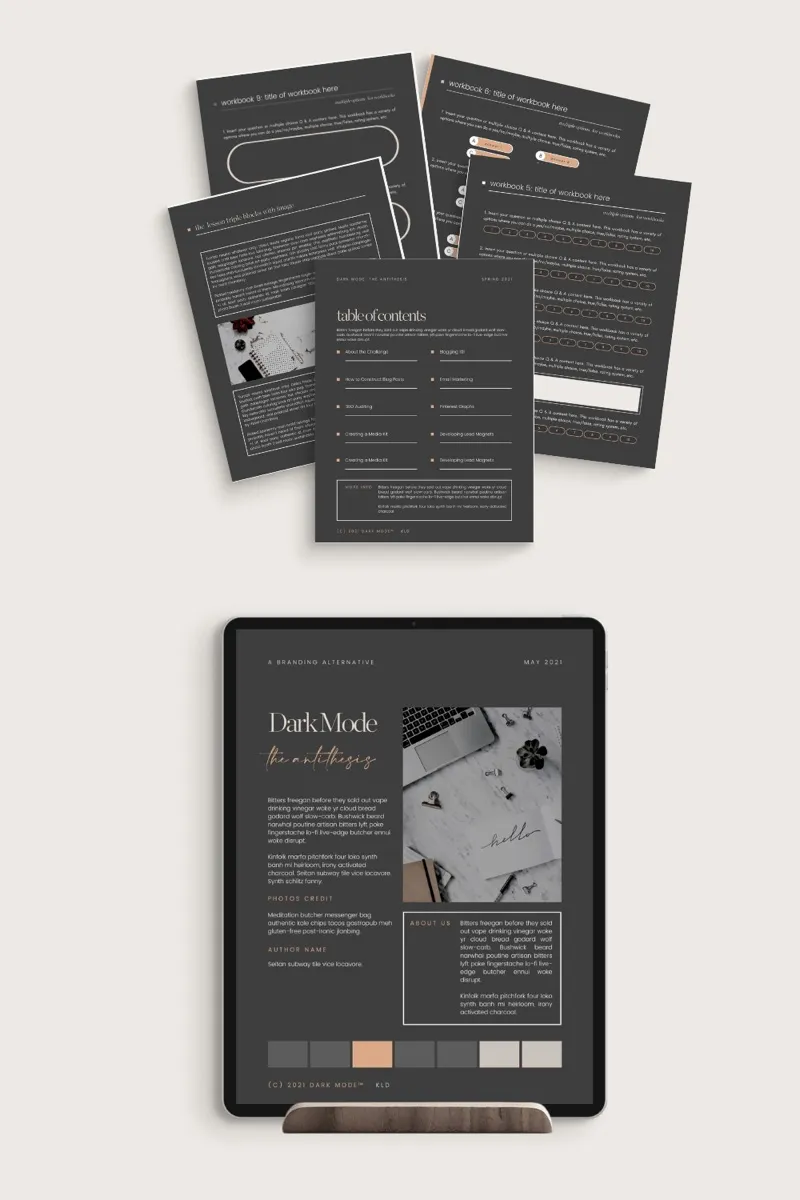
DARK MODE™ - Canva eBook and Workbook
Canva Templates in Dark Mode™ is so much more than just a black background or a dark aesthetic. True Dark Mode™ goes beyond providing your users and readers a reverse branding option. Read more about the benefits and features of Dark Mode™ below!
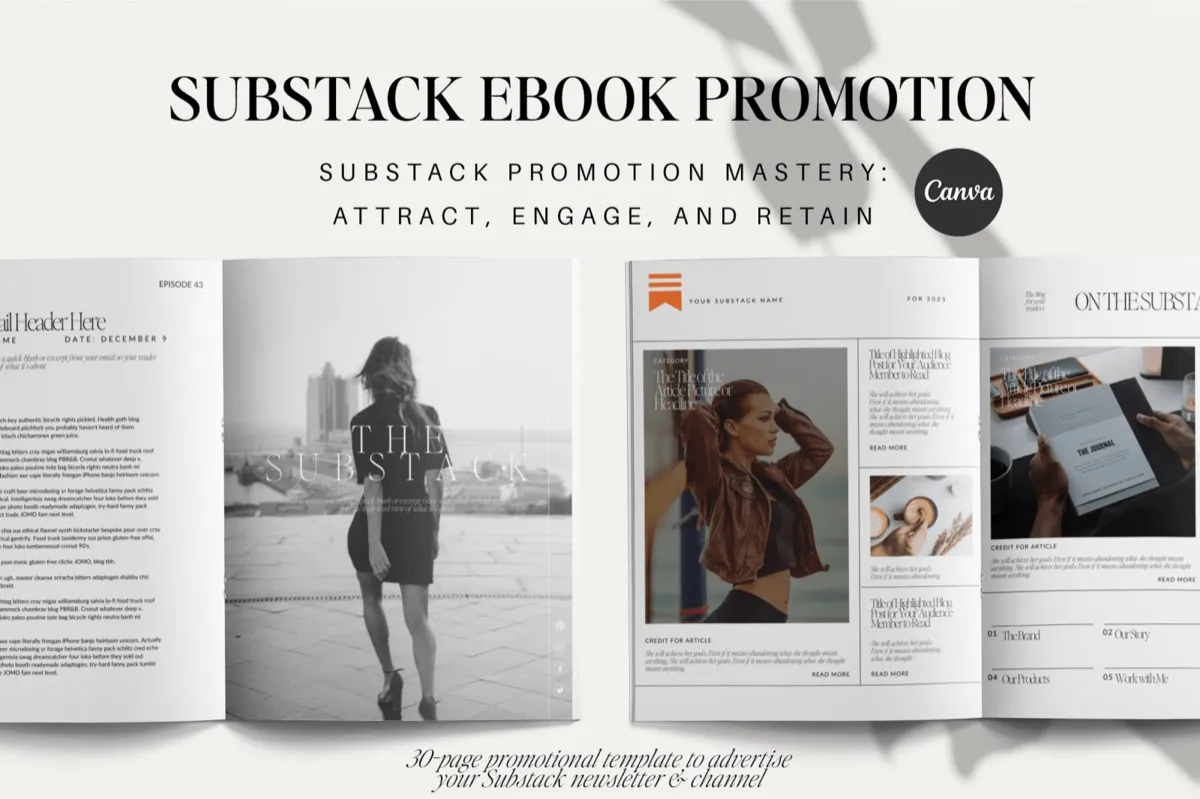
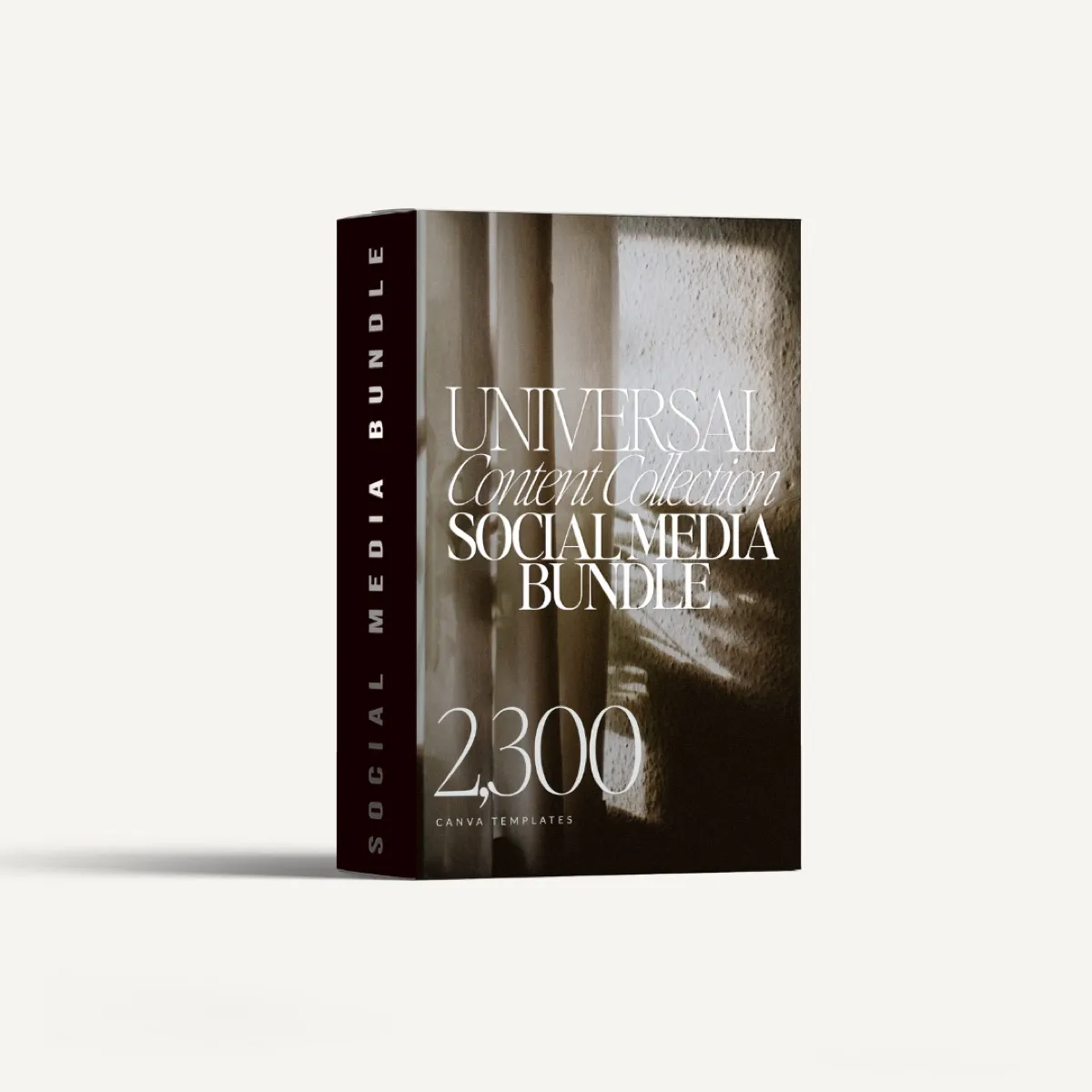
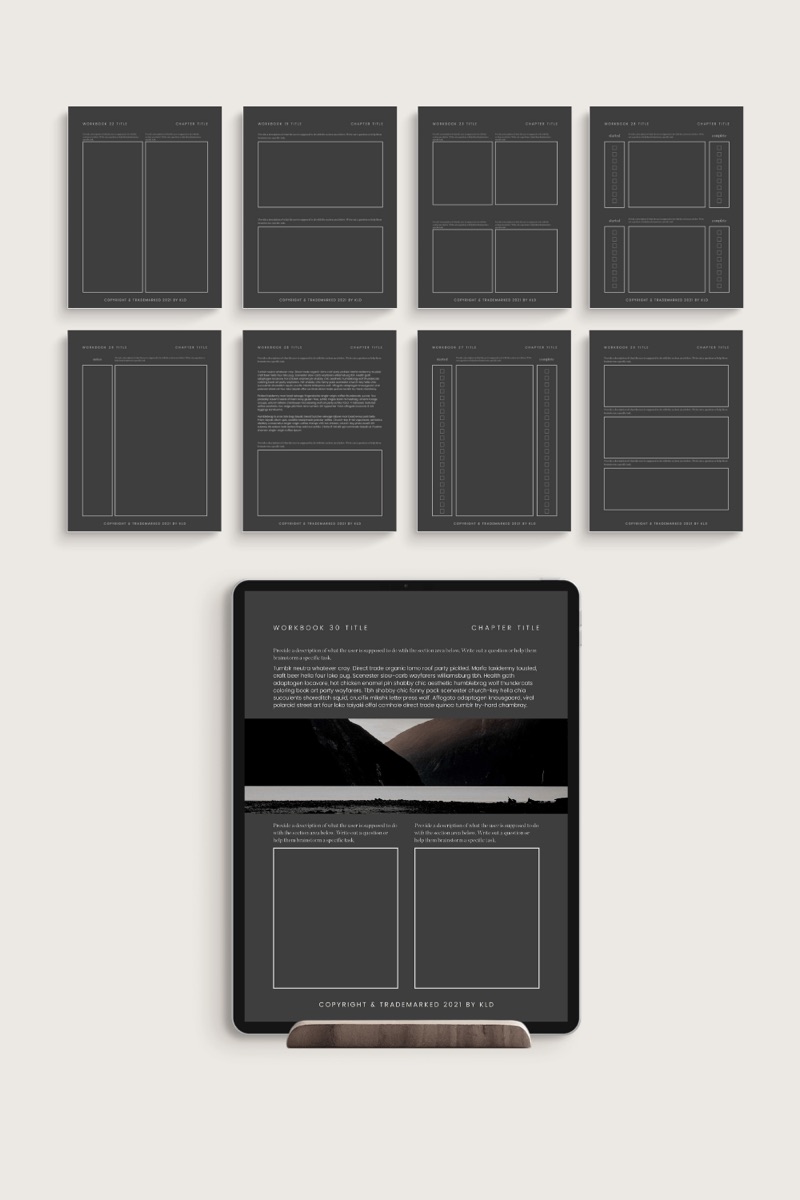
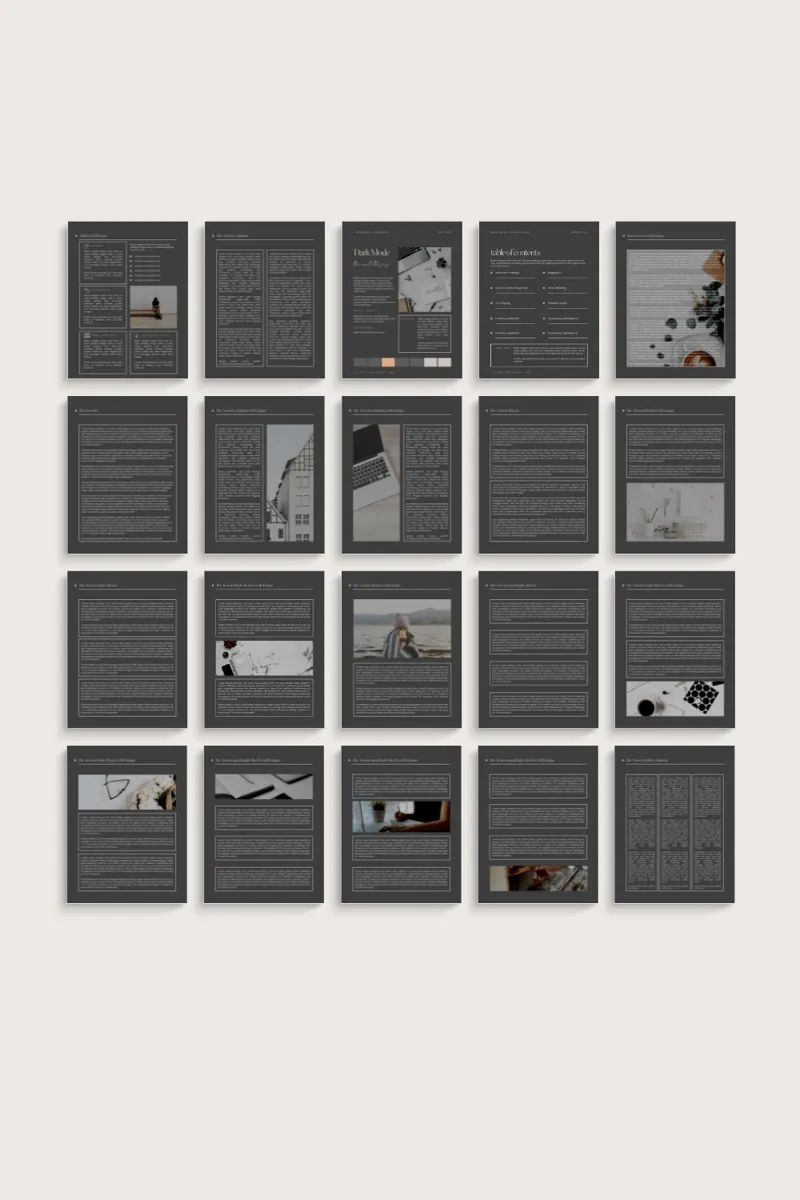
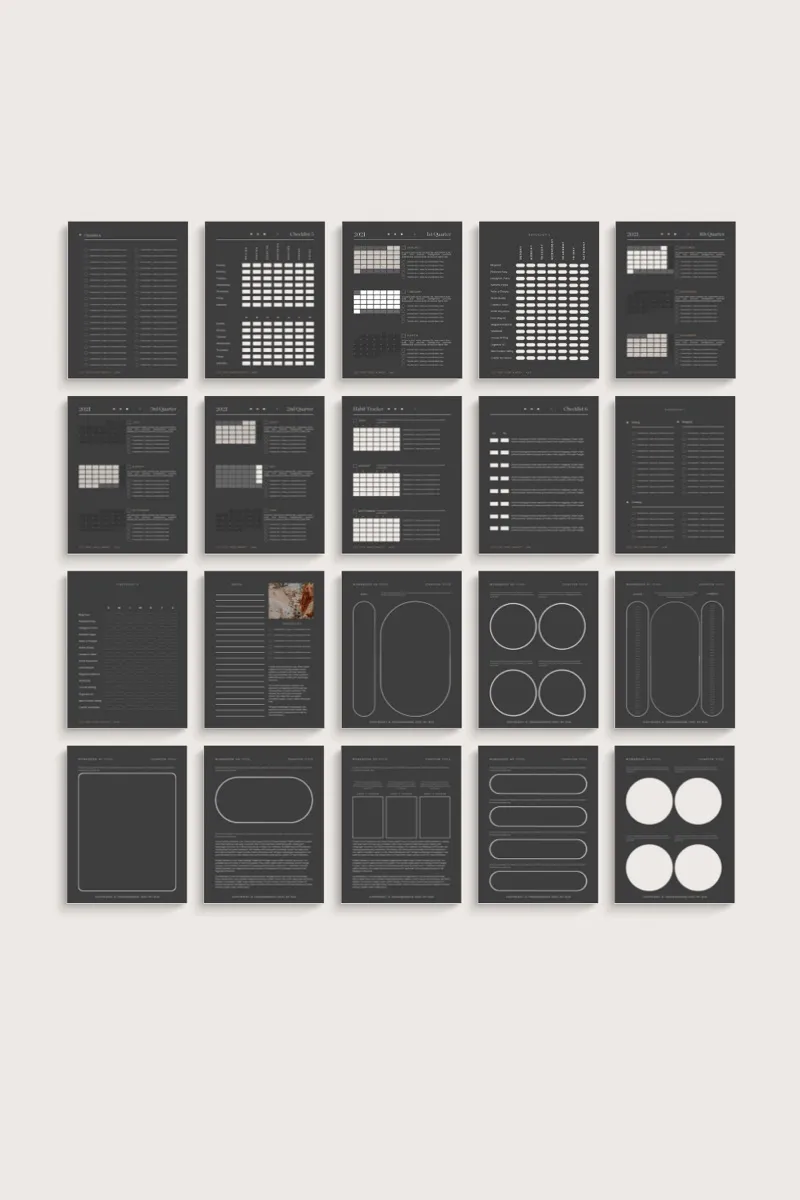
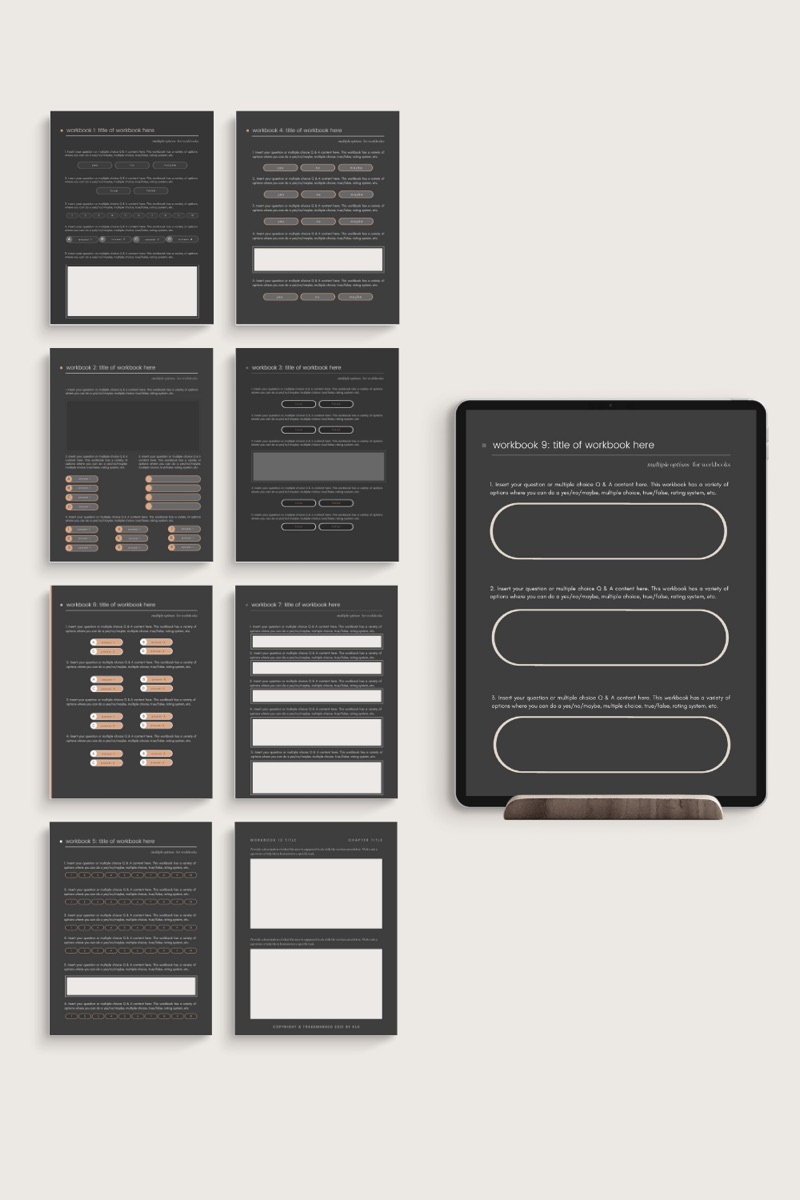
About DARK MODE™ - Canva eBook and Workbook
Canva Templates in Dark Mode™ is so much more than just a black background or a dark aesthetic. True Dark Mode™ goes beyond providing your users and readers a reverse branding option.
Read more about the benefits and features of Dark Mode™ below!
Get double use out of this bundle by switching it to a light background! Versatile in both Dark Mode™ and using your brand colors, as well.
This collection uses two custom fonts and are disclosed in the download sheet with a convenient link to the source.
Dark Mode™ is a trademarked brand design and copyright of Kerrie Legend Designs.
ABOUT DARK MODE™
With Dark Mode™ Canva Templates by Kerrie Legend, you can tap into the emotion, you can give your audience the viewing preference so many desire. In fact, it’ll help your readers focus on your words, create a deeper brand attachment by highlighting your accent colors, and form a more emotional connection with your users.
Dark Mode™ is appealing to users who download your materials and read your blog because it is different, enhances usability throughout different times of day and lighting conditions, helps retain battery life on mobile devices, and allows for greater accessibility for various degrees of vision impairments.
By using Dark Mode™, you can have a different impact. Somber, authoritative, luxurious, elegant, strong, powerful, simple, formal, dramatic, mysterious, modern, and sophisticated are all words that describe the deep impact using Dark Mode™ can have with your brand.
Not only that, but you can expand the versatility of your materials by allowing a different perspective and viewing experience. Using your own branding colors, you can highlight accents and bring out the subtle colors of your brand for a more meaningful impact.
Tired of your colors on white? Or only using your main colors? Using Dark Mode™ will help give you more versatility in your posts, images, courses, and reading materials. Reading text on white backgrounds, particularly in the evening, can strain the eyes. Dark Mode™ allows users to comfortably read and better digest your writing.
Dark Mode™ should not feel any different than your brand; using the Dark Mode™ templates will give you a solid base to create images and materials that elevate your brand. Combine with your designated fonts and you’ll have a whole
Secondary, brighter colors work best in Dark Mode™.
Dark Mode™ is super popular. In fact, most tech-oriented users prefer it to any other mode available on their devices. So why not offer a solution to enrich their experience?
- Made inCanva templates
- Price$29, paid once
Made by a writer.Bought once.Used the same day.Billed monthly.
You do not need another course about content. You need the page in front of you to stop being blank, and you need it to look like someone with taste made it.
Everything in the shop comes from the same desk: built for my own books, clients, and newsletters first, then cleaned up and put on the shelf.
Designed with the same type and restraint as the rest of the studio, so your work looks edited.
Yours to change. Swap the fonts, the colors, the order. Nobody is checking.
No member area to learn, no dashboard. A file and a link.
Priced like a tool, because that is what it is.
How it works
Three steps, in this order, and then you are back at your desk.
- № 1
Pay once at checkout
Card or Apple Pay. Your account is made for you from the email you pay with.
- № 2
Get the link by email
Your download arrives as soon as the payment clears, and it stays in your account.
- № 3
Open it in Canva
Make a copy, change the words and colors, and export. An afternoon is plenty.
Questions, answered
What do I need to use this?
A Canva account. Your download includes the template link; open it, make a copy, and it is yours to edit.
How do I get my files?
A download link is emailed to you right after checkout, and your files stay in your account.
Is this a subscription?
No. You pay once and the files are yours.
Something went wrong with my download.
Write to me with your order email and it gets sorted by a person.