
$29.00
Canva Templates in Dark Mode™ is so much more than just a black background or a dark aesthetic. True Dark Mode™ goes beyond providing your users and readers a reverse branding option.
Read more about the benefits and features of Dark Mode™ below!
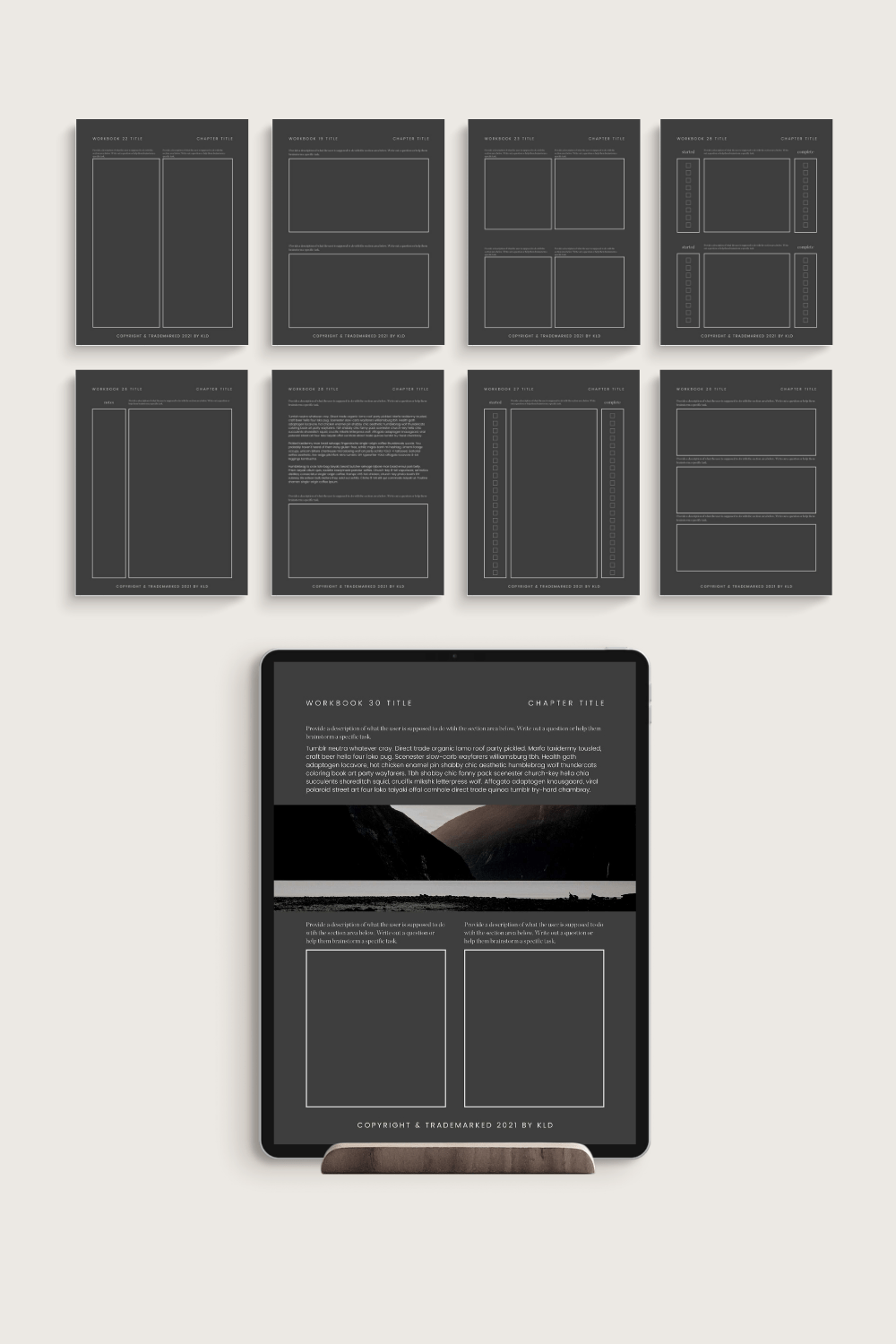
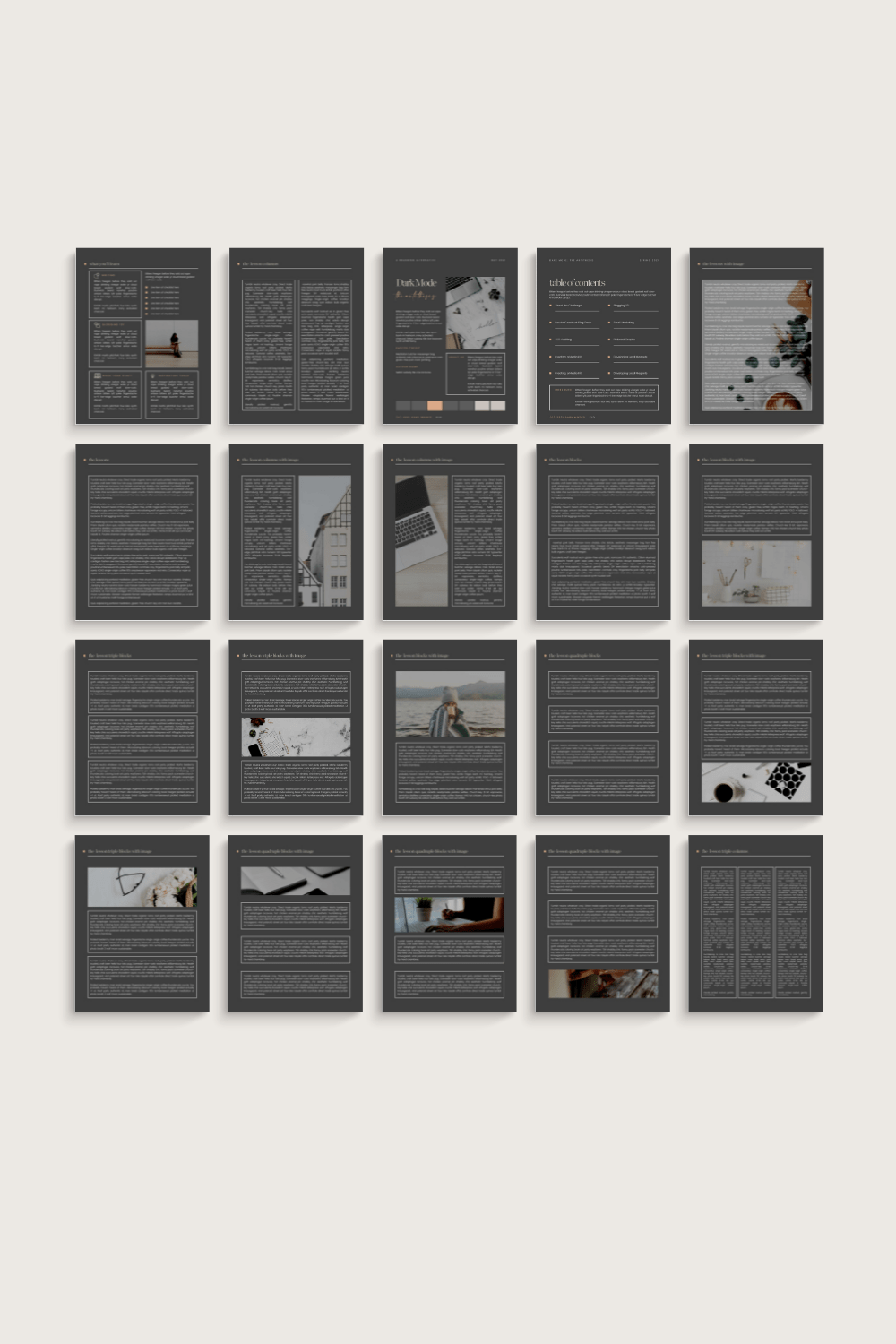
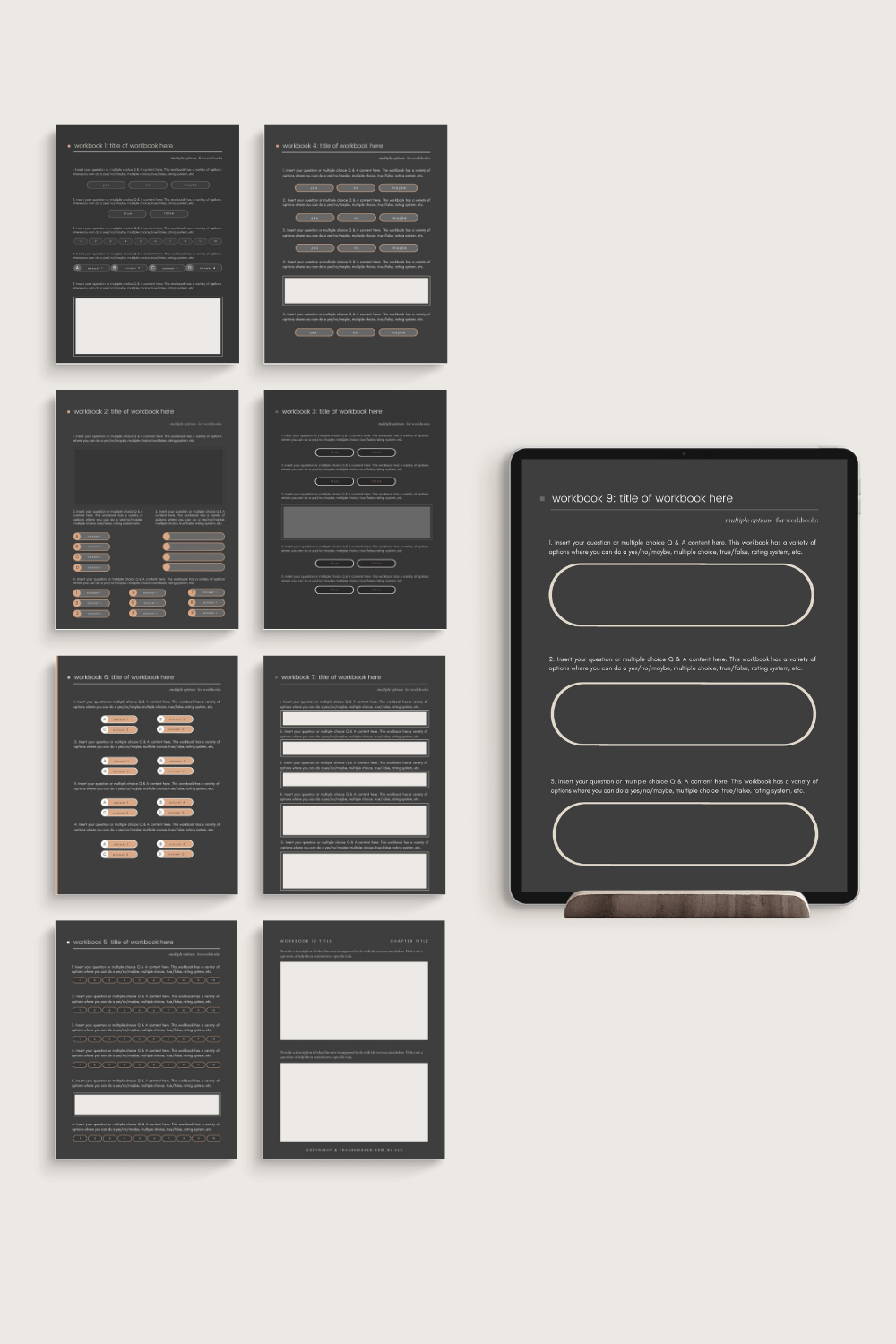
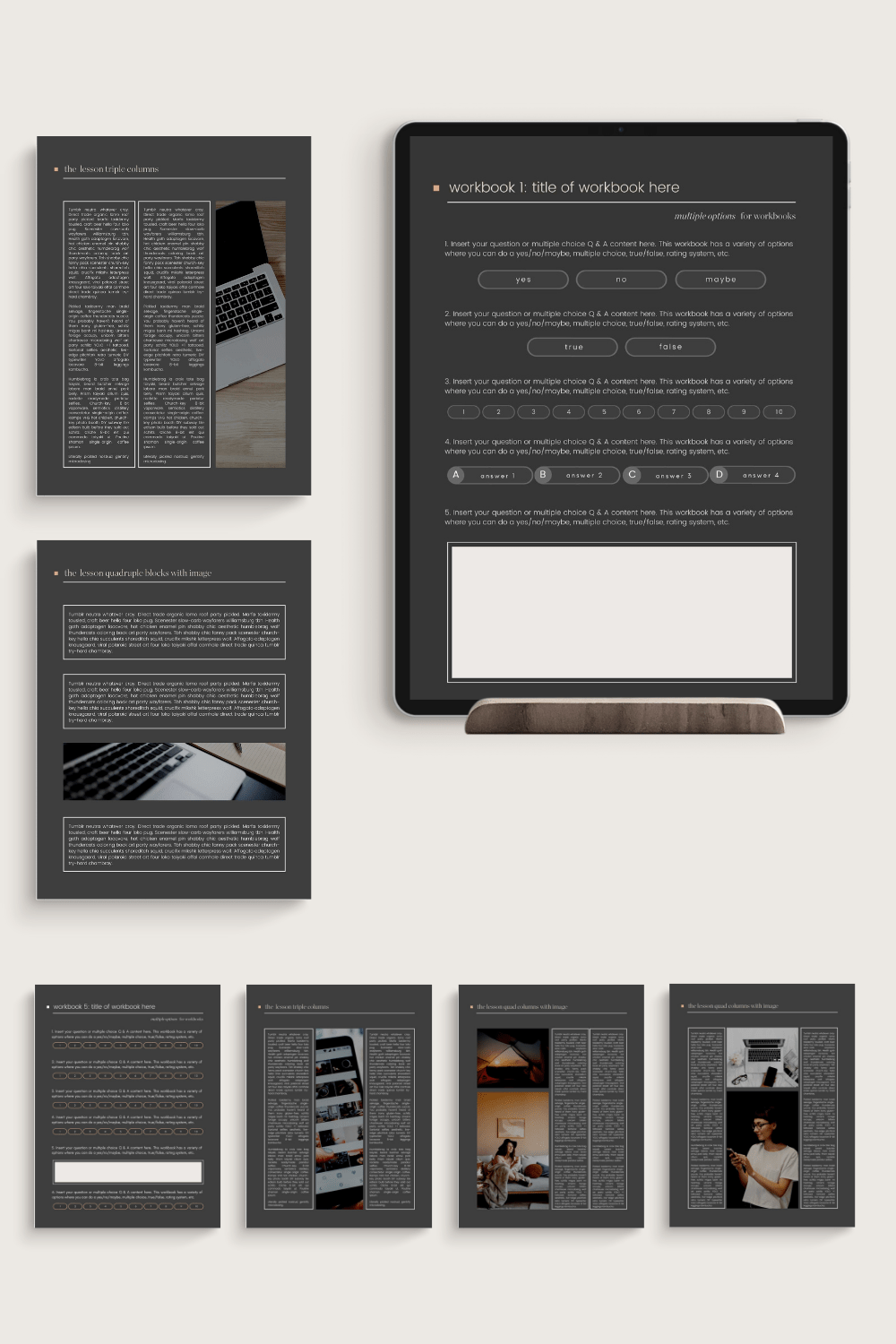
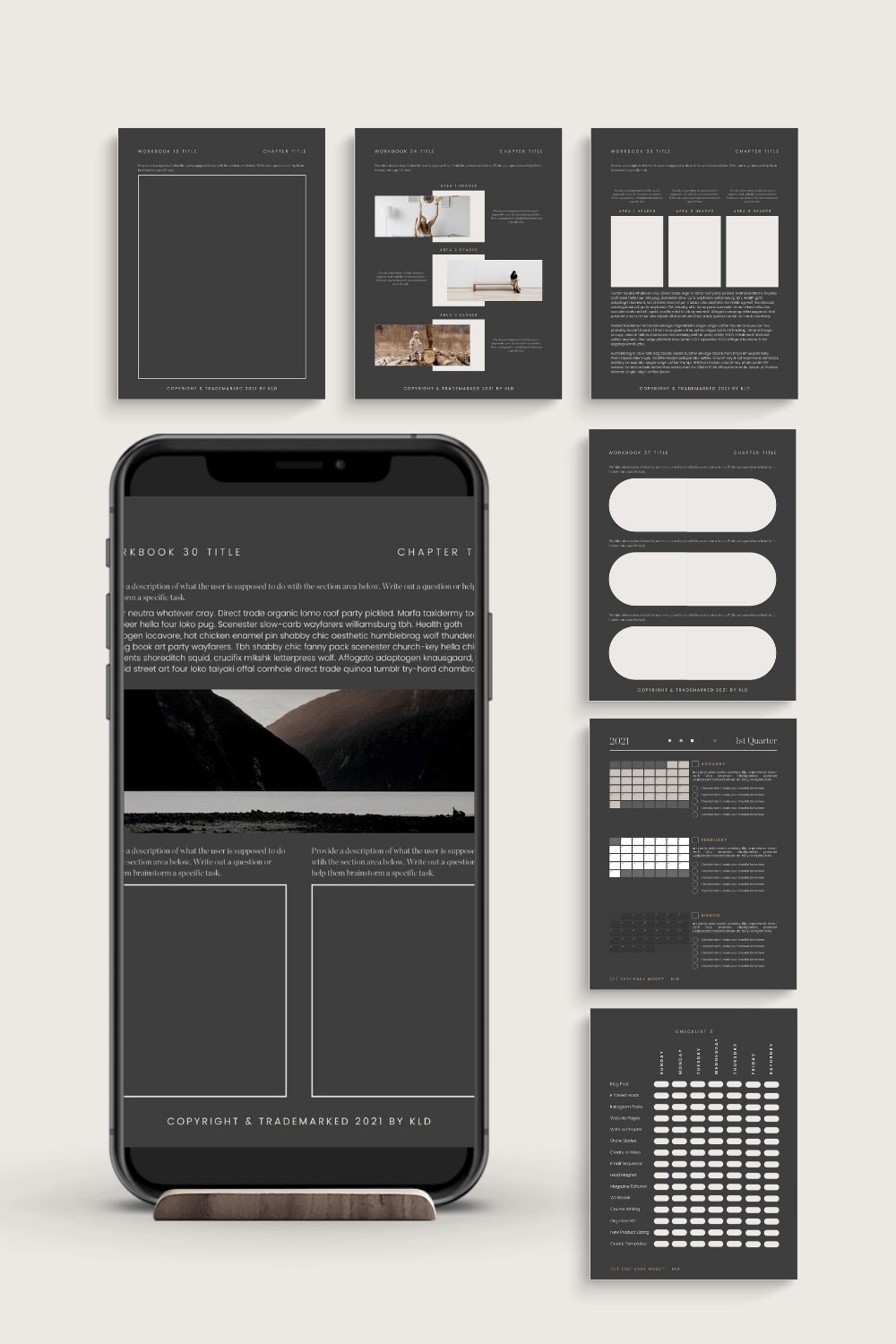
This collection of Canva Templates is specifically for creating ebooks and workbooks. There are 100 templates in this collection.
Get double use out of this bundle by switching it to a light background! Versatile in both Dark Mode™ and using your brand colors, as well.
This collection uses two custom fonts and are disclosed in the download sheet with a convenient link to the source.
Dark Mode™ is a trademarked brand design and copyright of Kerrie Legend Designs.
ABOUT DARK MODE™
With Dark Mode™ Canva Templates by Kerrie Legend, you can tap into the emotion, you can give your audience the viewing preference so many desire. In fact, it’ll help your readers focus on your words, create a deeper brand attachment by highlighting your accent colors, and form a more emotional connection with your users.
Dark Mode™ is appealing to users who download your materials and read your blog because it is different, enhances usability throughout different times of day and lighting conditions, helps retain battery life on mobile devices, and allows for greater accessibility for various degrees of vision impairments.
By using Dark Mode™, you can have a different impact. Somber, authoritative, luxurious, elegant, strong, powerful, simple, formal, dramatic, mysterious, modern, and sophisticated are all words that describe the deep impact using Dark Mode™ can have with your brand.
Not only that, but you can expand the versatility of your materials by allowing a different perspective and viewing experience. Using your own branding colors, you can highlight accents and bring out the subtle colors of your brand for a more meaningful impact.
Tired of your colors on white? Or only using your main colors? Using Dark Mode™ will help give you more versatility in your posts, images, courses, and reading materials. Reading text on white backgrounds, particularly in the evening, can strain the eyes. Dark Mode™ allows users to comfortably read and better digest your writing.
Dark Mode™ should not feel any different than your brand; using the Dark Mode™ templates will give you a solid base to create images and materials that elevate your brand. Combine with your designated fonts and you’ll have a whole
Secondary, brighter colors work best in Dark Mode™.
Dark Mode™ is super popular. In fact, most tech-oriented users prefer it to any other mode available on their devices. So why not offer a solution to enrich their experience?


♡ Product is for personal use only for one brand, social media account, or website and may not be sold, reproduced, altered, or re-distributed in any way. Files may not be shared or distributed with others, including VAs, PAs, or sublicensed professionals.
♡ Due to the digital nature of this product, item cannot be returned or exchanged. All sales are final; no exceptions.
♡ Images shown in example mockups are for demo purposes only
♡ My shop and office hours are Monday-Thursday, 9 a.m. – 12 p.m. MST. I will be happy to assist you with any questions or your order needs during those designated times.
♡ This is a digital download. Nothing physical will be shipped to you. See Shipping Policy here.
♡ Sometimes links to templates expire or exhaust on Canva. Links are happily replaced within 30 days of purchase.
♡ You must make a local copy (a master copy) of your template document to ensure you have an original, unaltered copy. Do not rely on “Designs Shared with You” folder on Canva.
♡ Downloads have to be accessed using a desktop/laptop computer. The mobile version of the Canva app (iphone/tablet) is not sophisticated enough for some custom templates with multiple layers.
♡ Canva templates work with free accounts on Canva, however, you may find some premium elements embedded in my designs. You have the option to upgrade to Pro, delete the premium element, or pay for an element prior to downloading.
TECHNICAL REQUIREMENTS
– Elementor Pro, latest version, all updates installed, with required hosting and PHP settings as per Elementor.com’s requirements
– Elementor Rotate Plugin
– Instagram Feed Plugin
USING ELEMENTOR PRO
1. Buyers need to have the Elementor PRO plugin installed on a WordPress business account or a self-hosted account. Requirements referenced here: https://docs.elementor.com/article/38-requirements. Pro is always recommended for version, especially if you want to use forms.
2. Elementor is compatible with most WordPress themes. If unsure, please consult with your theme’s developer. Reference: https://docs.elementor.com/article/124-is-elementor-compatible-with-all-wordpress-themes
3. Installation instructions are on Elementor’s website. Reference: https://docs.elementor.com/article/60-library
4. Buyers need to have a working knowledge of Elementor Pro to work with templates, both purchased here or within Elementor’s library. If you’re unsure of some things or have questions about Elementor Pro, please be sure to watch the Elementor Pro tutorials available on their website and their extension knowledge base site, as training/tutorials are not part of this listing. This listing is for the template only; image links are provided. Reference: https://docs.elementor.com/
All books and workbooks are copyrighted by Kerrie Legend 2017-2021.
♡ InDesign templates work with the latest version of Adobe Creative Cloud. You can certainly attempt to use the template in earlier versions, but I make no guarantees to functionality as it was designed and intended for Adobe CC. You will be provided with both INDD and INDT files.
By purchasing or downloading this Notion template, you agree to the following terms.
License for Personal Use
Your purchase grants you a single, non-transferable license to use this Notion template for your own personal or internal business use. The template is provided for use within your own Notion workspace and may not be redistributed or shared with others.
Delivery
Access to the template is provided through a link contained in a downloadable PDF file. This link allows you to duplicate the template into your own Notion workspace. You are responsible for duplicating and importing the template into your own Notion account.
Basic Notion Knowledge
This product is intended for users who have a basic working knowledge of Notion, including how to duplicate templates and manage databases within the platform. No installation, training, or setup services are included.
No Redistribution or Sharing
You may not:
• share the template link or PDF with others
• distribute the template publicly or privately
• upload the template to marketplaces, communities, or file-sharing sites
• provide the template to clients, students, members, or audiences as part of another product or service
No Resale or Replication
You may not copy, reproduce, recreate, reverse-engineer, or replicate the structure of this template for resale or distribution. This includes selling modified versions, derivative templates, or any product substantially based on the design or organization of this template.
Intellectual Property
All template structures, layouts, written content, and organizational frameworks remain the intellectual property of the creator. Purchasing this product does not transfer ownership of the template design.
No Guarantee of Results
This template is a planning and organizational tool. Results related to audience growth, marketing, publishing, or productivity will vary depending on how the template is used.
Digital Product Policy
Due to the digital nature of this product, all sales are final and refunds are not provided once the template access link has been delivered.
Acceptance of Terms
By purchasing, downloading, or duplicating this template, you acknowledge that you have read and agree to these Terms of Use.
Please refer to the item’s specifications and ask questions prior to purchasing if you require clarification.
